CapCut Pro vs Free, and who should pay
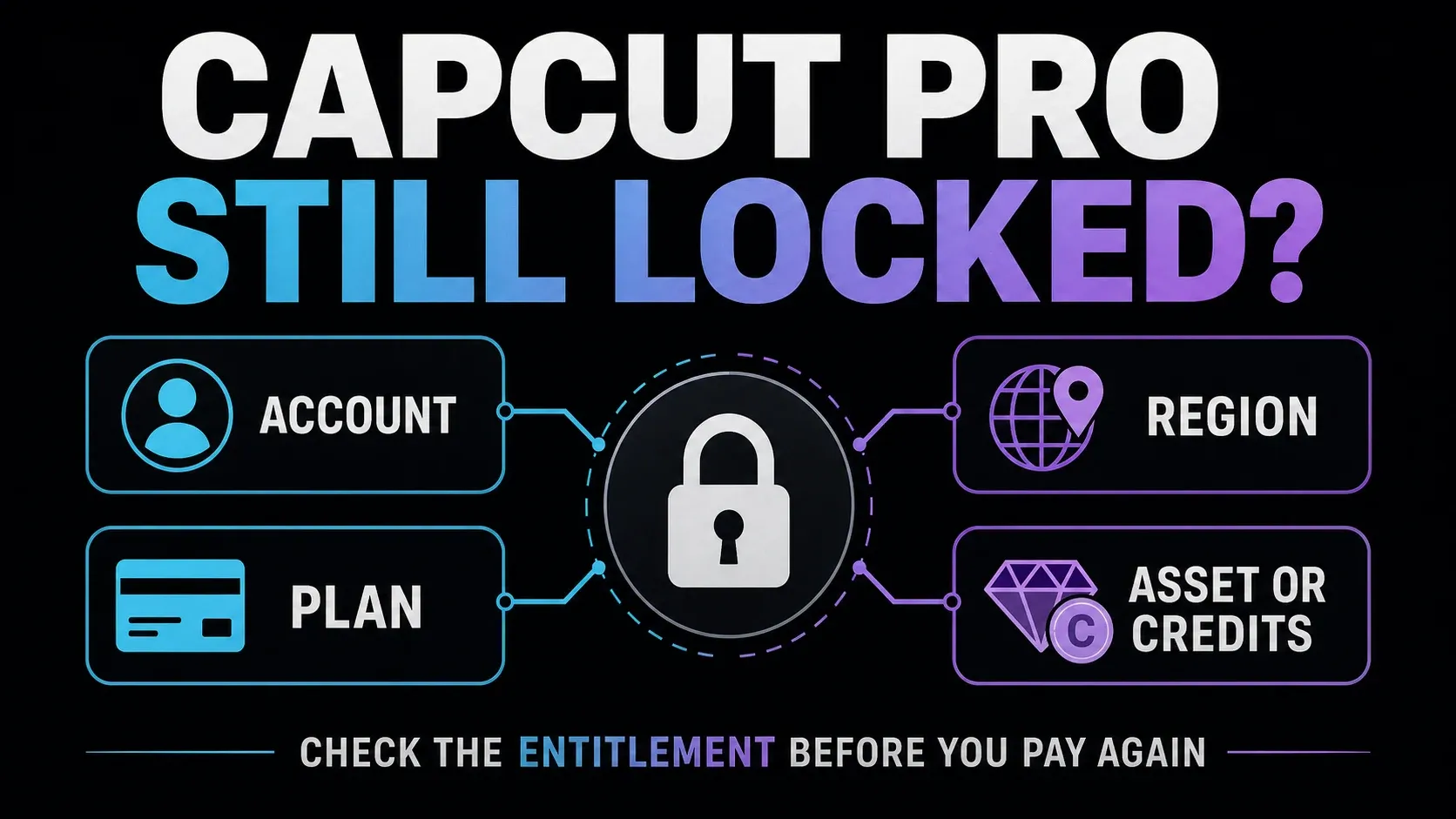
- Free already covers ordinary timeline editing with free tools, templates and assets. A paid asset, AI action or export setting can still ask you to upgrade.
- Pro adds purple-diamond templates, effects and fonts, more AI tools, eligible 2K and 4K export where the export panel marks it as Pro, and paid access on every platform you sign in to.
- Pro doesn’t make AI unlimited. Generated video and other heavy AI actions still spend credits, and 4K export still depends on your device and project.
- The other plans fit narrower jobs: Standard keeps paid benefits on mobile only, Ultra suits heavy AI generation and Teams adds shared seats with a brand kit. Our CapCut price comparison lists all five plans with country prices.
I’d pay for Pro when one paid tool removes real work on a project you care about, such as styled captions on regular client clips. If Free already finishes your edits, stay on Free, and try a single month before you commit to a year. The CapCut Pro worth-it guide walks through that one-project test.
Quick answers before you choose
What is the difference between CapCut Standard and Pro?
Standard’s paid benefits are mobile-only where the plan is available. Pro extends paid membership to mobile, desktop and web on the same CapCut account. This does not stop you using free Desktop tools, and it does not mean every platform has identical features. CapCut’s platform guidance explains the boundary.
Does CapCut Pro include unlimited AI credits?
No. Some AI actions consume credits. The Credit Rules describe subscription, activity and purchased balances with different expiry conditions. Check the cost and available balance before a run; do not assume annual billing makes every credit last a year.
Can I keep editing after cancelling a free trial?
Do not assume so. Google Play’s trial terms allow access to end immediately on cancellation unless otherwise specified. Read your provider’s warning, save your work first and record the confirmed status and access end date, if shown.
Does Pro make every asset safe for client work?
No. A paid badge is not a blanket commercial licence. Check the asset’s permitted use, destination and territory against the Materials License Agreement applicable to your country before using it for a client.